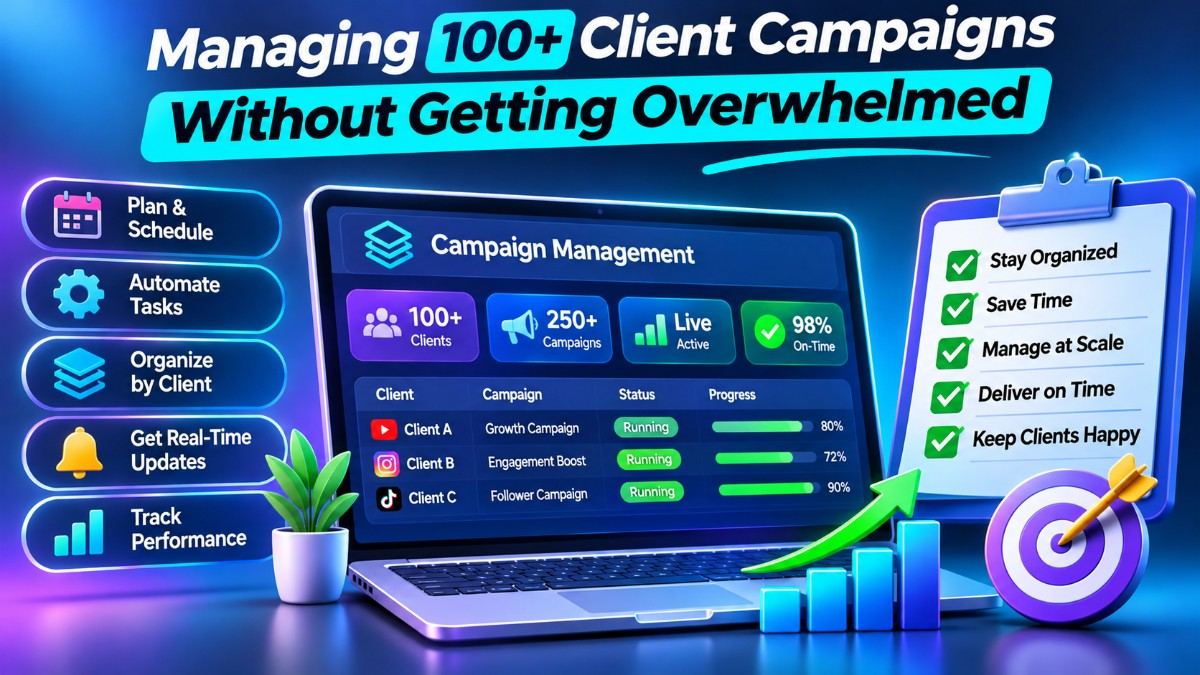
1. Breaking Through the 50-Client Operational Ceiling
When an agency manages 10 to 15 clients, submitting individual orders through a standard dropdown menu takes less than twenty minutes a day. However, once your roster crosses 50 to 100+ active monthly retainers—each requiring daily Instagram Reel views, YouTube watch time, and Telegram broadcast reactions—manual order placement becomes a full-time data-entry trap.
Worse yet, juggling multiple vendor tabs and tracking progress across external spreadsheets leads to missed client uploads, duplicate orders, and delayed reporting. Scaling past 100 clients without inflating your payroll requires transitioning from manual execution to batch and event-driven automation.
2. Mastering Mass Order Syntax for Batch Dispatching
Instead of clicking through categories and services one client at a time, enterprise account managers utilize the **Mass Order** terminal. This feature allows you to queue and fire 100+ distinct orders across multiple social networks in a single click using a simple pipe-separated format:
Service_ID | Target_Link | QuantityLive Agency Batch Example:
104 | https://instagram.com/p/ClientPost1 | 2500218 | https://youtube.com/watch?v=ClientVideo2 | 5000309 | https://t.me/ClientChannel/452 | 1500
By maintaining a pre-formatted template of your favorite high-retention Service IDs, your fulfillment team can compile morning client links into a single text block, paste it into the Mass Order box, and execute an entire day's workload in under 60 seconds.
3. Deploying Auto-Subscriptions for Hands-Free Retainers
The biggest time-drain in managing 100+ creators or corporate brands is constantly checking their profiles to see if they have uploaded a new post. Waiting for clients to message your WhatsApp support group with their latest Reel link introduces hours of latency, hurting their early algorithmic velocity.
**Auto-Subscriptions (Auto-Likes / Auto-Views)** eliminate this manual monitoring completely:
- Set the Username Once: Enter the client's public `@username` rather than a specific post URL.
- Define Future Post Limits: Specify how many upcoming posts the system should cover (e.g., the next 30 uploads) and set a randomized quantity range (e.g., 1,200 to 1,500 views per post) so every upload shows natural variance.
- 24/7 Automated Triggering: Our backend scraper monitors the profile around the clock. Within minutes of the client publishing a new Reel or post—even at 2:00 AM on a Sunday—the dashboard automatically dispatches the engagement package.
4. Exception Management: Filtering Partials and Refills at Scale
When you have 1,500+ orders running every week, you should never waste time inspecting orders that are running smoothly. High-performing agencies practice **Exception Management**—focusing human attention strictly on the 2% of orders that require intervention.
Inside a centralized order history dashboard, your team simply filters by the **Partial** or **Canceled** status tab once every afternoon. With one glance, you can identify any order interrupted by a client changing their username or setting their account to private, re-queue the automatically refunded balance, and keep all 100+ client campaigns running at 100% completion accuracy.