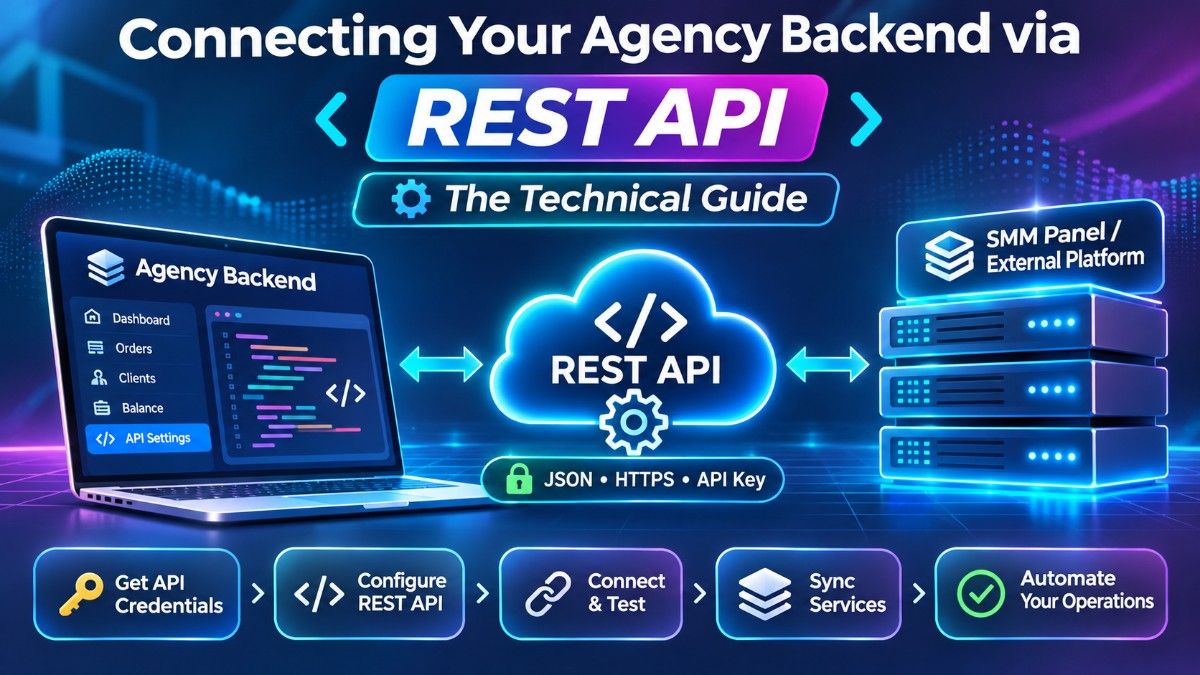
1. The Architecture of a Modern SMM REST API
Whether your agency operates a turnkey white-label reseller panel (such as Perfect Panel), a custom-built Laravel/Node.js dashboard, or a WooCommerce storefront, connecting to a wholesale backend relies on standard RESTful communication.
Instead of an employee logging into a browser to submit orders, your server dispatches an `HTTP POST` request containing URL-encoded or JSON parameters to the wholesale endpoint (`/api/v2`). The provider's server validates your credentials, deducts the exact fractional INR cost from your pre-funded wallet, queues the residential proxy nodes, and returns a machine-readable JSON response in milliseconds.
2. API Key Authentication and Token Security
Every programmatic request requires an authentication token (`key`) generated inside your account settings. Because this token grants direct access to your pre-funded INR wallet balance, securing it is critical:
- Server-Side Execution Only: Never embed your API key inside frontend JavaScript or mobile app source code where users can inspect network traffic. Always route requests through your backend server.
- Environment Variables: Store your API key inside `.env` configuration files rather than hardcoding it into Git repositories.
- Routine Key Rotation: If a developer or virtual assistant leaves your organization, regenerate your API key immediately from your account settings tab and update your server configuration.
3. Core Endpoints: Services, Add Order, Status, and Refill
A complete agency backend integration utilizes five primary `action` parameters sent to the main API URL:
action=services(Catalog Sync): Returns a complete JSON array of all available Service IDs, category names, wholesale rates per 1,000, minimum/maximum order limits, and refill capabilities.action=add(Order Dispatch): Submits a new campaign using `service` (ID), `link` (target URL), and `quantity` (or custom comments/drip-feed parameters), returning `{"order": 94821}`.action=status(Telemetry Polling): Queries a single order ID or a comma-separated batch of up to 100 order IDs to retrieve real-time `charge`, `start_count`, `status`, and `remains` values.action=refill(Warranty Execution): Programmatically triggers an automated refill check on eligible non-drop orders whenever a client clicks the refill button on your frontend.action=balance(Ledger Check): Returns your current available wallet balance and currency (`INR`).
4. Automating Catalog Syncing and Balance Alerts
To keep your agency running smoothly 24/7 without manual oversight, configure two automated cron jobs on your server:
First, enable **Automated Rate & Limit Syncing** so that if a platform update alters the minimum order quantity or wholesale cost of a service upstream, your retail storefront automatically adjusts its retail price to protect your percentage markup. Second, configure a simple webhook alert that pings your internal Slack or Telegram admin channel whenever `action=balance` drops below your daily safety threshold—allowing you to scan a zero-fee UPI QR code and top up your liquidity before orders ever pause.