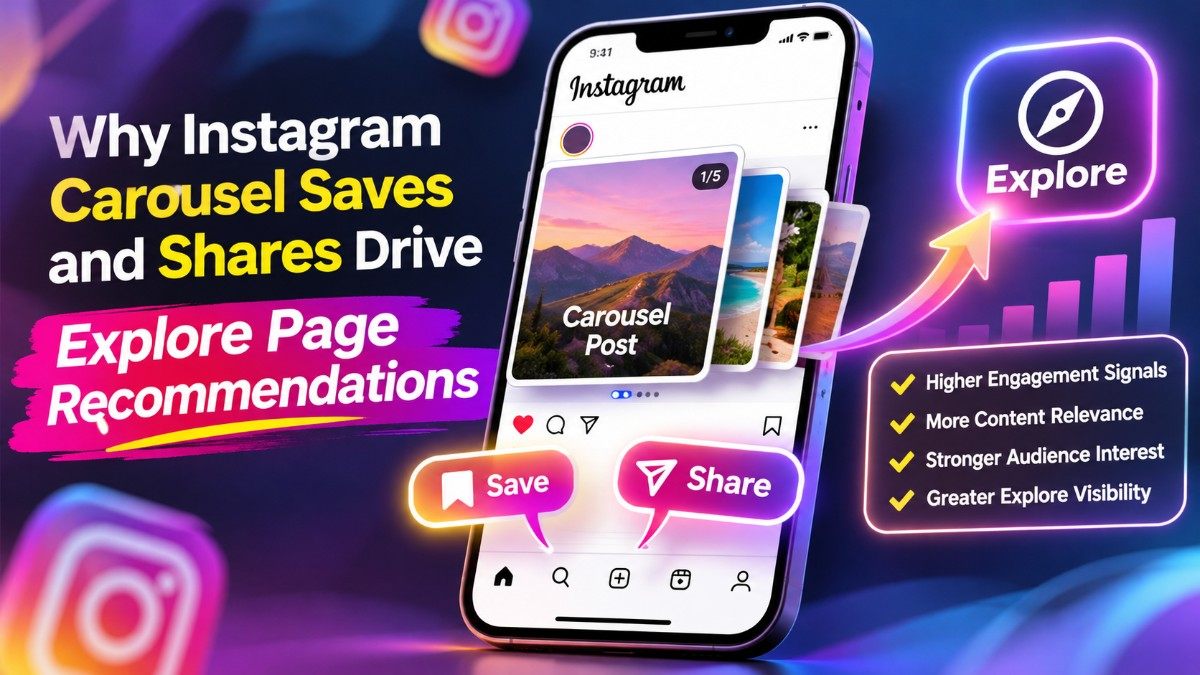
1. Why Does Increasing the Save-to-Impression Ratio on Multi-Slide Instagram Carousels Push Educational and Product Posts to the Explore Page?
The **Save-to-Impression Ratio**—the percentage of total post viewers who tap the bookmark icon to archive a carousel inside their private Saved collections—is one of the strongest intent signals evaluated by Instagram's Explore ranking model.
Unlike the Home Feed, which primarily sorts posts from accounts a user already follows, the Explore tab must predict which unseen posts will hold a stranger's attention. When a 6-to-10 slide educational checklist or product comparison earns rapid saves and shares during its first 60 minutes, three algorithmic shifts occur:
- Immediate Popularity Velocity: Explore measures how quickly a post accumulates high-intent actions right after publishing, prioritizing fast-rising carousels over slow-burning static images.
- Topic Cluster Matching: Instagram's AI maps the profiles that saved your carousel and immediately serves the post to lookalike users with matching interest graphs.
- Extended Shelf Life: While single-photo posts typically peak within 12 hours, high-save carousels continue generating Explore and Instagram Search impressions for 5 to 14 days.
2. How Does Instagram’s Multi-Slide Re-Serving Mechanic Double Carousel Dwell Time?
**Multi-Slide Re-Serving**—Instagram's native feed behavior where an unswiped carousel is automatically shown to the same follower a second time starting on Slide 2—gives carousels a structural dwell-time advantage over single images.
- Slide 1 (Pattern-Interrupt Hook): State a concrete outcome or problem clearly rather than placing a generic brand logo.
- Slide 2 (Secondary Hook): Treat Slide 2 as a backup headline since Instagram serves it directly to followers who scrolled past Slide 1.
- Middle Slides (Reference Frameworks): Use scannable comparison tables, step-by-step checklists, or pricing breakdowns that viewers naturally want to bookmark for later.
- Optional Audio Layer: Adding a subtle trending audio track allows multi-slide carousels to surface in additional discovery feeds alongside traditional Reels.
3. Why Do DM Sends Per Reach Outperform Passive Likes for Unconnected Discovery?
**Sends Per Reach**—the ratio of viewers who tap the paper-airplane icon to forward a carousel via Direct Message relative to total unique accounts reached—is explicitly prioritized by Instagram for unconnected reach (reaching users who do not follow you yet).
When a user sends a product breakdown or tutorial carousel to a friend in DMs, they are staking their personal social credibility on that post. Seeding early residential-routed shares alongside saves gives your carousel the exact dual-signal profile Instagram's AI looks for. To keep warm followers converting after they discover your profile through Explore, pair your carousel strategy with our guide on boosting daily Instagram Story views and interactive sticker taps.
4. What Save, Share, and Impression Ratios Keep Carousel Insights Completely Balanced?
**Insight Ratio Alignment**—the practice of pacing saves, shares, likes, and impressions proportionally inside Instagram Professional Insights—ensures your post analytics look completely organic to both recommendation classifiers and brand sponsors.
- Maintain a 20% to 45% Save-to-Like Ratio: If your educational carousel receives 400 likes, pairing it with 100 to 160 saves mirrors genuine high-utility reference posts.
- Layer 10% to 20% DM Shares: Add 40 to 80 shares per 400 likes to trigger unconnected Explore testing without creating unnatural spikes.
- Backfill With Home & Profile Impressions: Always ensure total impressions exceed combined likes, saves, and shares by at least 8x to 10x so your engagement-per-reach metrics remain healthy.