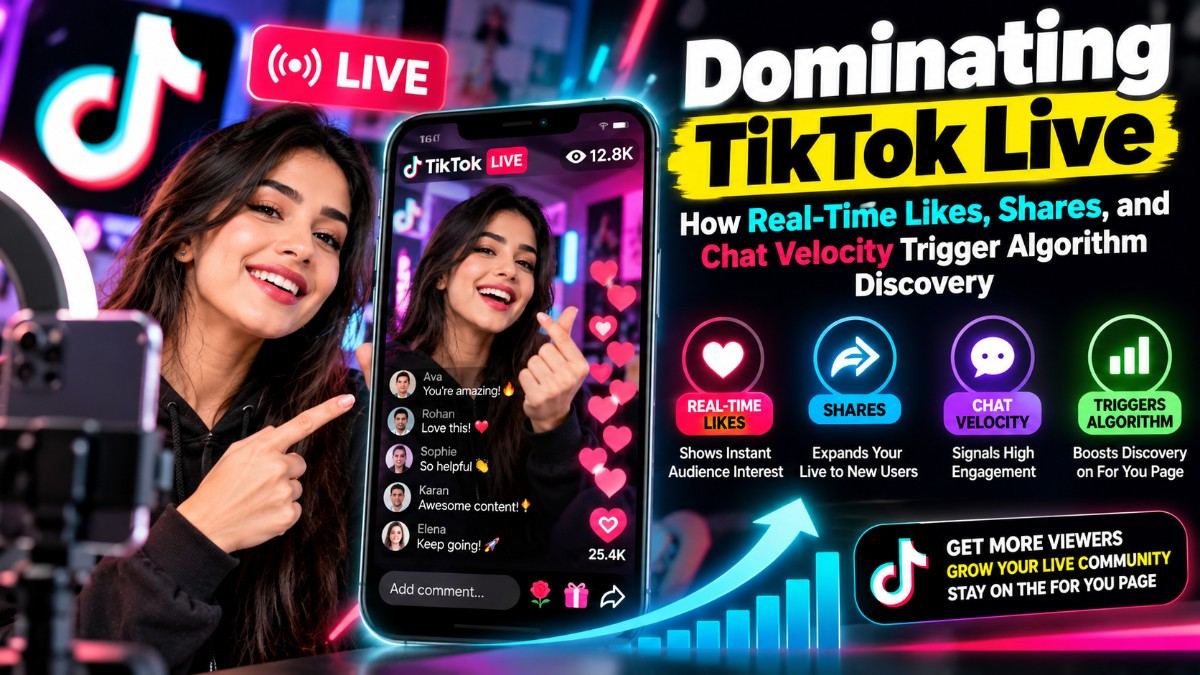
1. How TikTok Ranks and Recommends Live Streams
Unlike pre-recorded video feeds where watch-time completion is evaluated across hours, the TikTok Live algorithm operates entirely in real-time. Within the first 5 to 10 minutes of going live, the platform calculates an instantaneous engagement score to decide whether to feature your broadcast on the dedicated Live tab or inject it into standard For You Page swipe sessions.
The algorithm monitors four core live metrics:
- Screen-Tap Frequency (Likes): How rapidly are viewers double-tapping the screen?
- Chat Activity Velocity: Are comments appearing in a steady, unbroken stream?
- Live Stream Shares: Are viewers sharing the room link externally or via direct messages?
- Viewer Dwell Time: Do new visitors stay for more than 30 seconds once they drop in?
"An empty live stream repels organic viewers. When casual scrollers drop into a room with thousands of incoming likes and an active comment section, social proof triggers immediate curiosity and extended dwell time."
2. The Strategic Impact of Real-Time Live Likes
On TikTok Live, screen taps (likes) generate visual floating heart animations that signal active audience participation. More importantly, rapid-fire likes act as the primary velocity trigger for the recommendation engine.
Deploying wholesale live stream likes (such as SMMBear service #1520 at just $0.116 per 1,000) provides an immediate burst of thousands of likes within minutes of launching. This signals high viewer enthusiasm, prompting the algorithm to test your stream with broader organic discovery pools.
- Instant Discovery Boost: Elevates stream ranking on the regional Live discovery grid.
- Psychological Social Proof: Floating heart animations signal to new visitors that the broadcast is popular.
- Zero Drop Risk: Live likes remain recorded on total broadcast session analytics permanently.
3. Chat Velocity: Why Custom Comments Keep Organic Viewers
A broadcast with incoming likes but zero chat conversation looks unnatural to both human visitors and automated moderation filters. When a viewer enters a silent chat, they typically swipe away within 5 seconds.
Deploying a balanced mix of Emoji Comments (#2261) and niche-specific Custom Comments (#51) maintains continuous chat movement. When new organic viewers see active conversation, they are significantly more likely to comment, ask questions, or interact with live hosts and TikTok Shop product displays.
Understanding how proxy networks maintain persistent live connections is essential for campaign success; review our analysis on social media drop rates and network routing to learn how upstream server nodes ensure steady session delivery.
4. Live Shares as Algorithmic Distribution Multipliers
While screen taps indicate viewer approval, live stream shares (#1740) carry the highest algorithmic weighting in live ranking models.
When a broadcast generates a cluster of rapid shares, TikTok interprets the event as breaking entertainment or high-value discussion. The system responds by placing the live preview card directly into users' FYP feeds between standard videos, driving waves of high-intent organic traffic.
5. Step-by-Step Live Stream Launch Blueprint
To maximize discoverability and sales conversion during your next broadcast, follow this 4-step execution framework:
- Pre-Live Setup: Set a compelling broadcast title, define clear topic tags, and prepare a visually engaging background hook before starting the stream.
- Initial 5-Minute Velocity: Immediately after going live, deploy 5,000 to 10,000 live likes (#1520) to generate initial momentum.
- Inject Chat Motion: Trigger a modest batch of emoji comments and tailored discussion prompts (#51) so the chat remains in constant motion as first-time visitors arrive.
- Amplify With Shares: As your viewer count peaks, deploy live shares (#1740) to push your broadcast card onto broader FYP swipe streams.